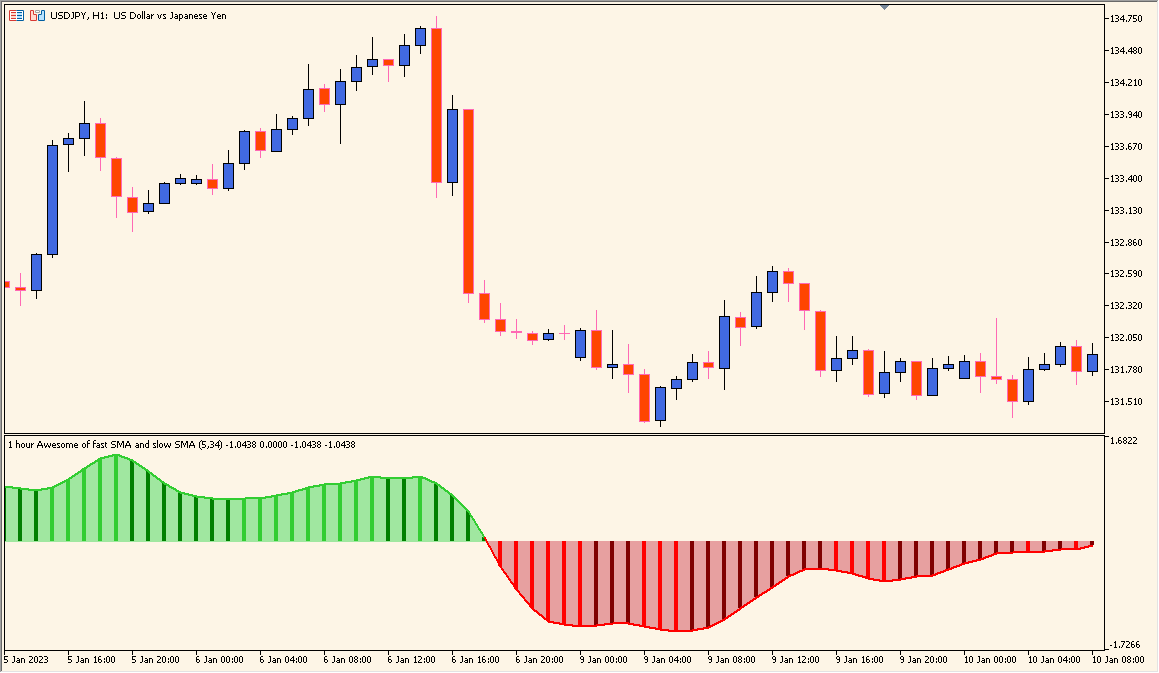
Overview of the Awesome Averages Oscillator
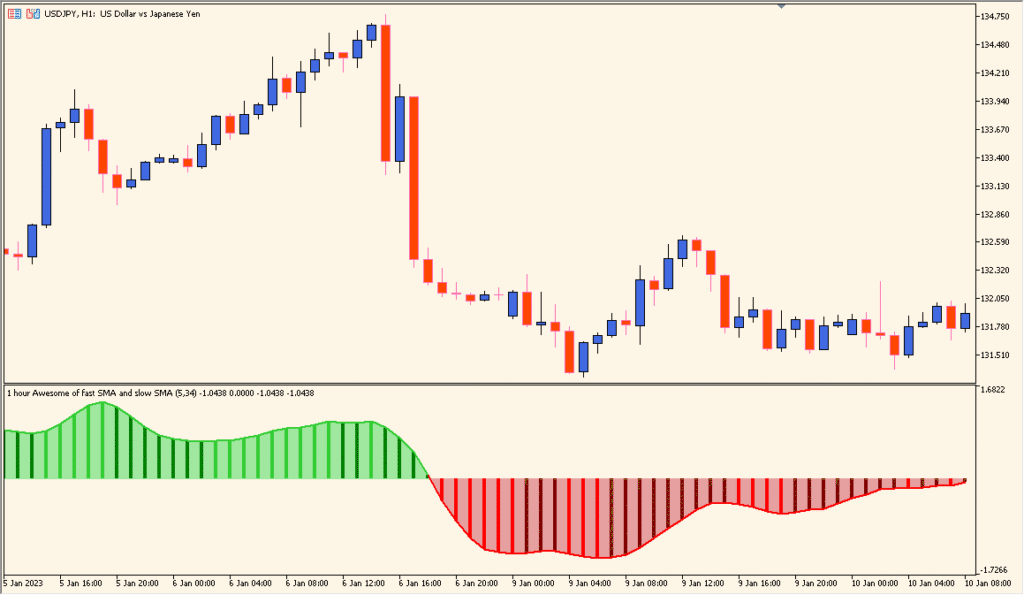
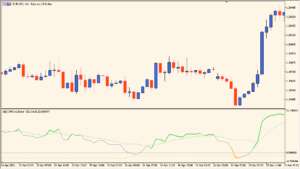
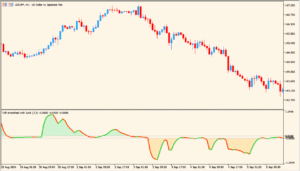
The Awesome Averages Oscillator is a modified version of the classic Awesome Oscillator designed for MT4. It measures market momentum by comparing two moving averages calculated over different periods. The histogram bars change color based on momentum shifts, making it easy to spot when bullish or bearish strength is increasing or fading.
Unlike the standard version, this extended indicator allows more flexibility in choosing averaging methods (SMA, EMA, etc.) and price types (Median, Close, etc.), offering traders more customization for their trading strategy.
How to Use It in Practice
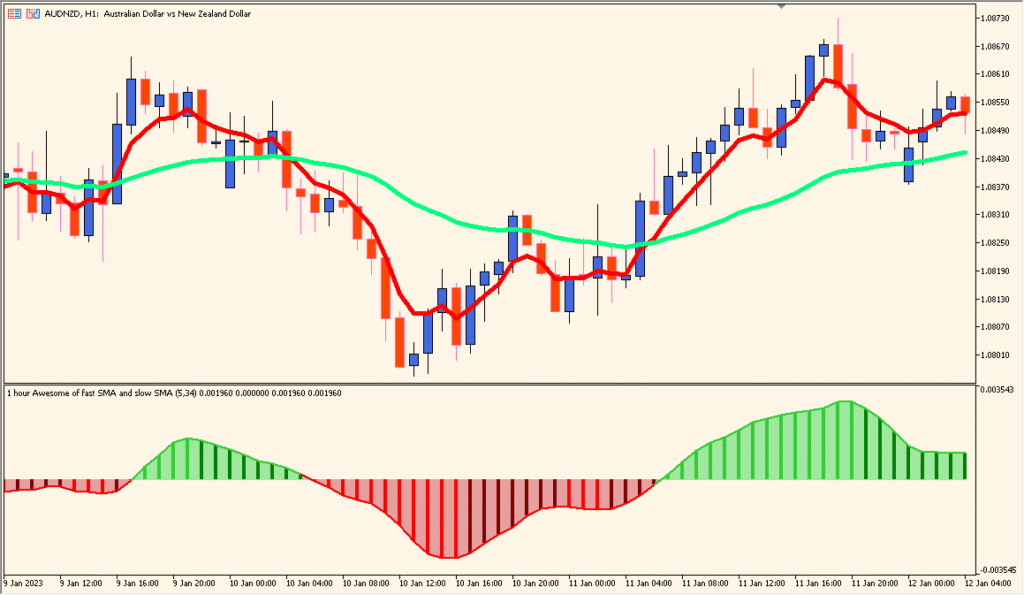
In practice, traders use the Awesome Averages Oscillator to:
- Identify momentum shifts — green bars indicate bullish momentum, red bars signal bearish momentum.
- Spot early trend reversals when the histogram crosses the zero line.
- Confirm entry or exit signals by aligning oscillator movement with price action.
- Filter trades in trending markets to follow the dominant direction of momentum.
It is most effective when combined with trend indicators or support/resistance zones to validate potential setups.
Parameter Explanations
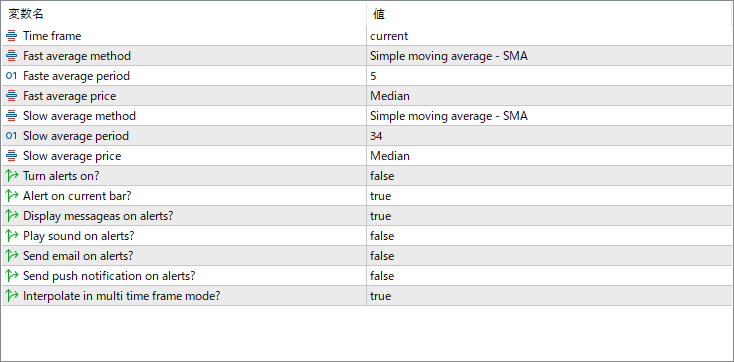
Time frame
Selects the chart timeframe the indicator uses for calculations (e.g., current, higher, or lower). This allows multi-timeframe analysis.
Fast average method
Defines the type of moving average used for the fast line, such as Simple Moving Average (SMA) or Exponential Moving Average (EMA).
Fast average period
Sets the number of bars used to calculate the fast moving average. Shorter periods react quicker to price changes.
Fast average price
Specifies which price (Median, Close, Open, etc.) is used for the fast moving average calculation.
Slow average method
Defines the moving average type for the slow line. It is usually smoother and reacts slower than the fast line.
Slow average period
Sets how many bars are included in the slow moving average calculation.
Slow average price
Specifies the price source used for the slow moving average, often the same as the fast average price.
Turn alerts on?
Enables or disables alert notifications when key conditions occur, such as zero-line crossovers or color changes.
Alert on current bar?
Determines whether alerts are triggered on the forming (current) candle or only after the bar closes.
Display messages on alerts?
If enabled, pop-up messages appear on-screen when an alert condition is met.
Play sound on alerts?
Plays a sound notification when an alert is triggered.
Send email on alerts?
Sends an email when an alert condition occurs, useful for remote monitoring.
Send push notification on alerts?
Sends alerts via push notification to connected devices through the MetaTrader platform.
Interpolate in multi time frame mode?
Controls how values are interpolated when displaying higher timeframe data on a lower timeframe chart for smoother visuals.