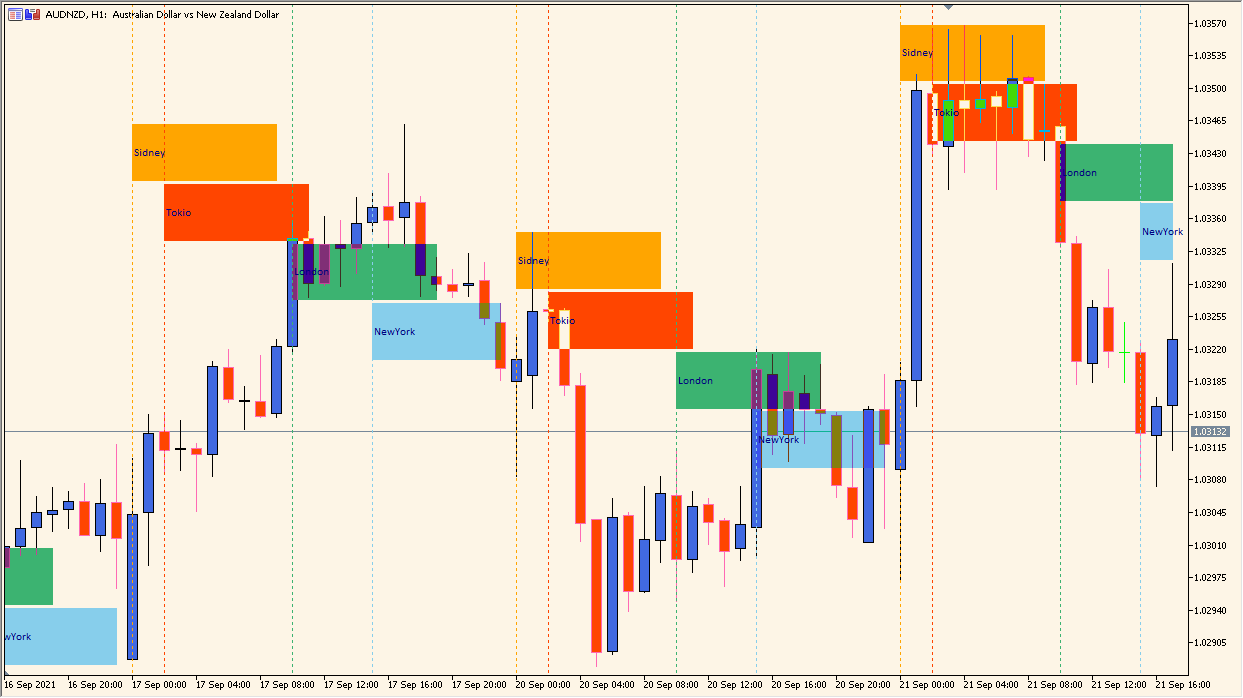
Indicator Overview
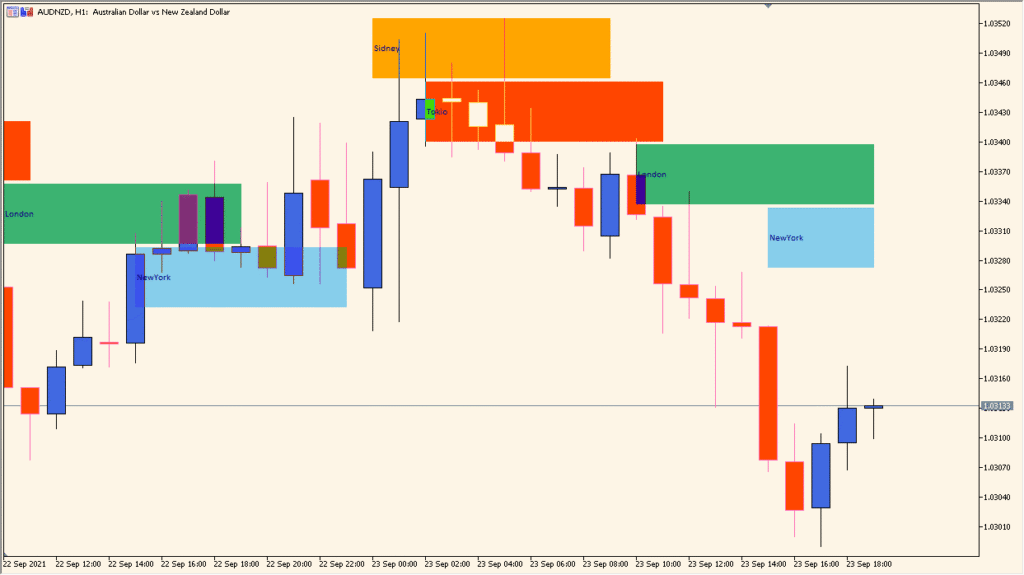
MSessions is a session visualization indicator that highlights major global trading sessions directly on the chart. It displays Sydney, Tokyo, London, and New York sessions as colored horizontal blocks aligned with price action, making it easy to see when each market is active.
By separating the trading day into clearly defined sessions, this indicator helps traders understand when volatility tends to increase, when trends often start, and how price behaves as one session hands over to the next.
How to Use It in Practice
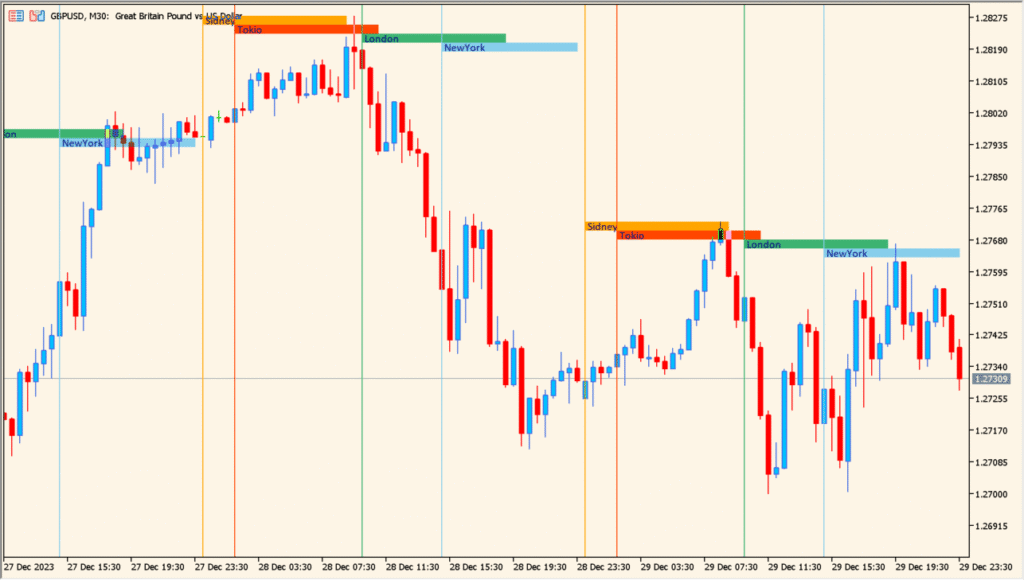
In practical trading, MSessions is mainly used as a context tool rather than a direct signal generator.
You can use it to identify which session is currently driving the market, observe how price reacts at session opens, and compare volatility between Asian, European, and US hours. This is especially useful for intraday traders who time entries around London or New York opens.
The session blocks also help with trade management. For example, you may avoid opening new trades late in a session or tighten stops as one session ends and liquidity drops.
Parameters
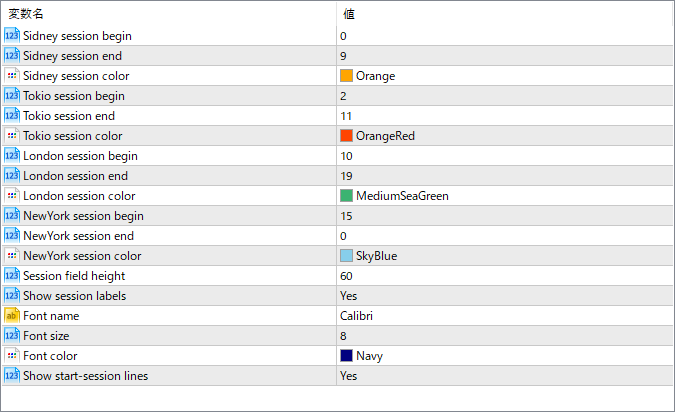
Sidney session begin
Sets the starting hour of the Sydney trading session based on the platform’s time.
Sidney session end
Defines the ending hour of the Sydney session.
Sidney session color
Specifies the color used to display the Sydney session block on the chart.
Tokio session begin
Sets the starting hour of the Tokyo trading session.
Tokio session end
Defines the ending hour of the Tokyo session.
Tokio session color
Specifies the display color for the Tokyo session.
London session begin
Sets the starting hour of the London trading session.
London session end
Defines the ending hour of the London session.
London session color
Specifies the color used for the London session block.
NewYork session begin
Sets the starting hour of the New York trading session.
NewYork session end
Defines the ending hour of the New York session.
NewYork session color
Specifies the color used to display the New York session.
Session field height
Controls the vertical height of the session blocks displayed on the chart.
Show session labels
Enables or disables text labels showing the session names.
Font name
Sets the font used for session labels.
Font size
Controls the size of the session label text.
Font color
Defines the color of the session label text.
Show start-session lines
Shows or hides vertical lines marking the exact start of each session.