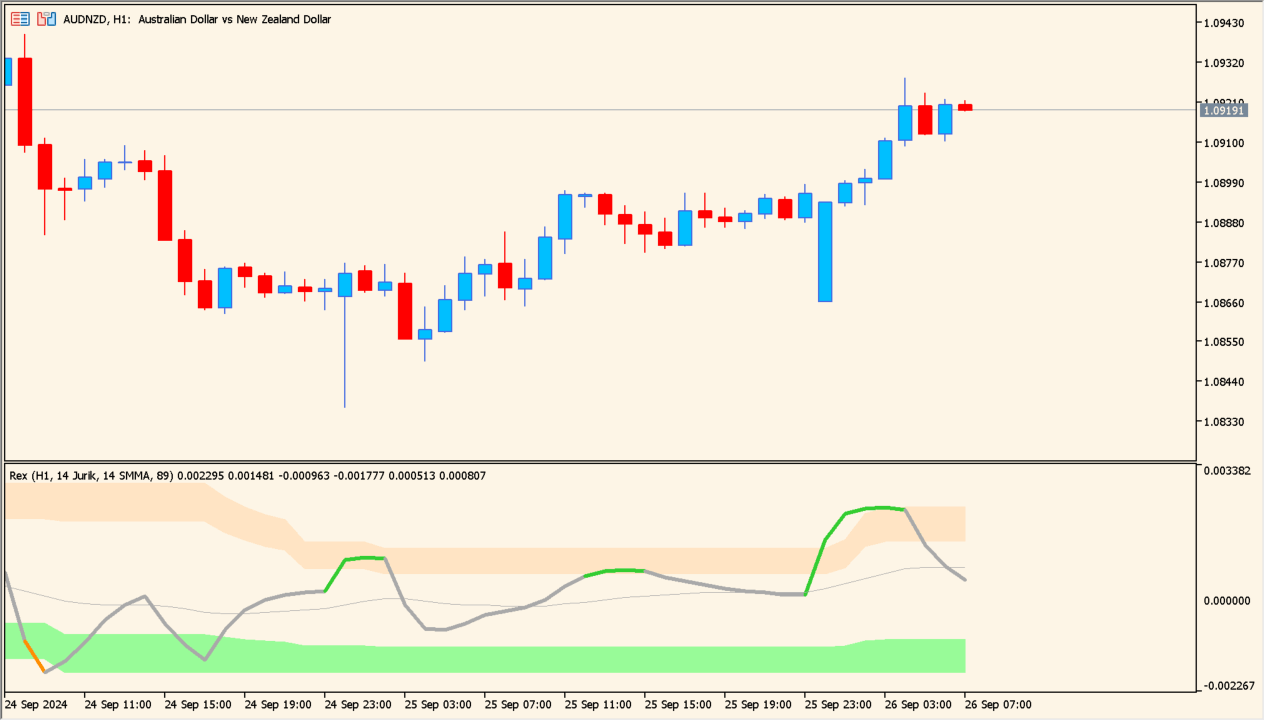
Overview of the Indicator
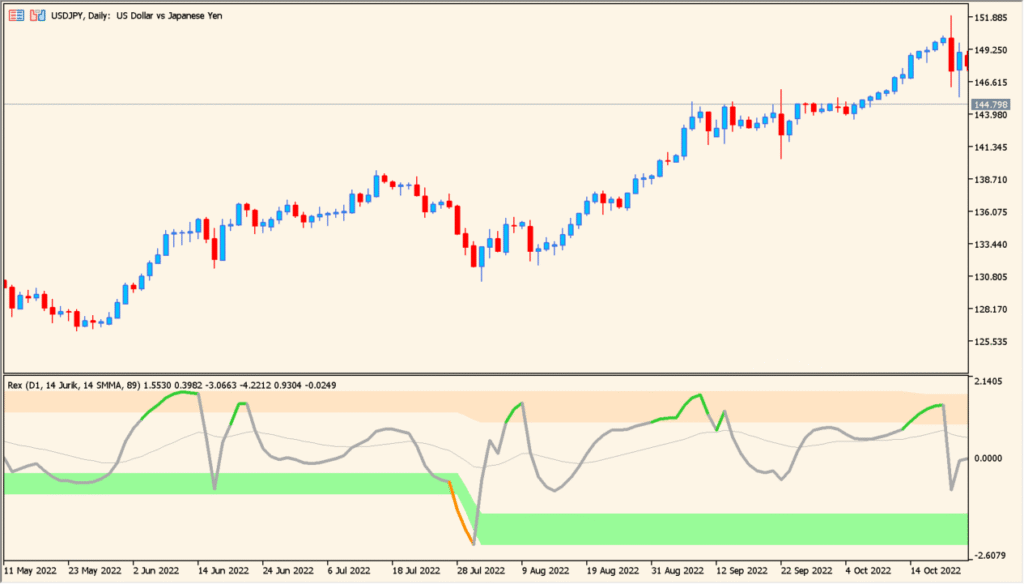
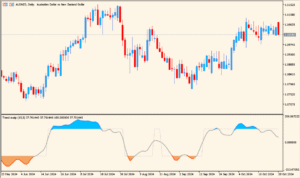
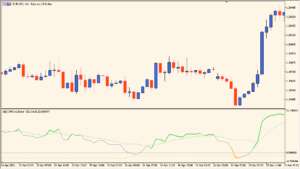
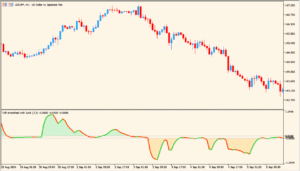
Rex avgs (extended + mtf + alerts) is a smoothed momentum indicator designed to show the strength and direction of market movement in a clear subwindow. It applies Jurik smoothing to reduce noise and combines it with a signal line for crossover analysis.
The indicator also includes multi-timeframe support and alert functions, making it suitable for traders who want confirmation from higher timeframes while trading on lower ones. Colored zones help visualize extreme conditions and potential turning points.
How to Use It in Practice
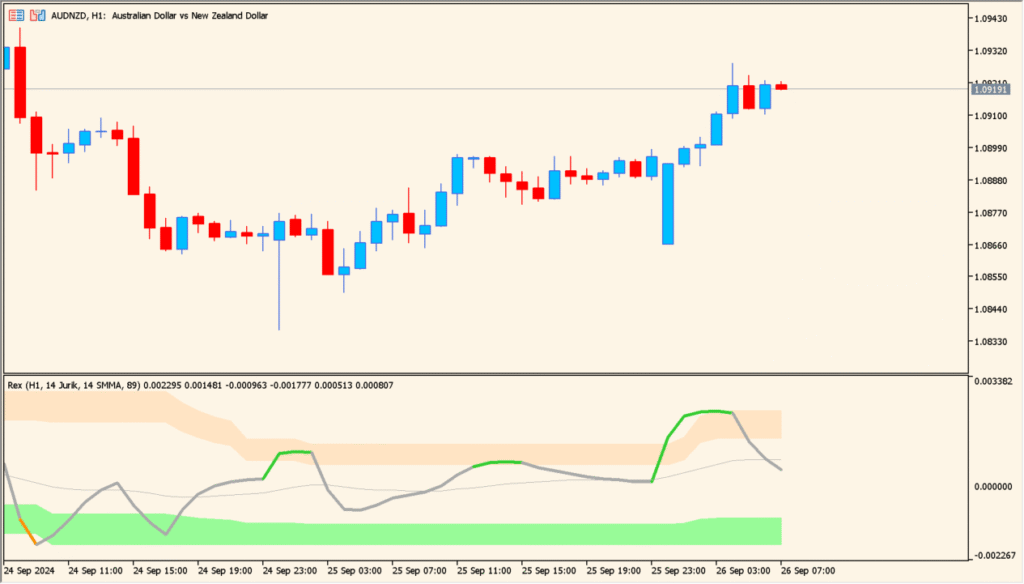
In practical trading, this indicator can be used to identify momentum shifts and trend continuation opportunities.
- Look for crossovers between the main Rex line and the signal line to detect potential entry points.
- Use the zero line as a directional filter. Values above zero suggest bullish pressure, while below zero suggest bearish pressure.
- Watch reactions near the upper and lower colored zones for possible exhaustion or reversal setups.
- Combine multi-timeframe analysis to align lower timeframe entries with higher timeframe momentum.
It works well as a confirmation tool alongside price action or trend-following strategies.
Parameter Explanations
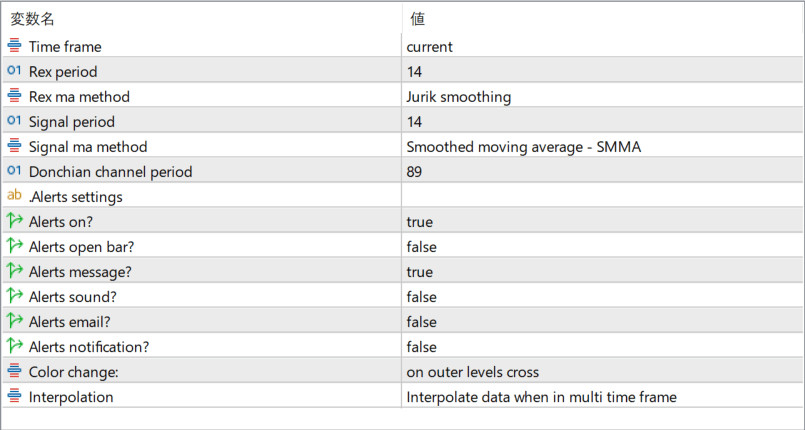
Time frame
Defines the timeframe used for calculation. When set to current, the indicator uses the chart’s active timeframe. Other settings allow higher timeframe analysis on a lower timeframe chart.
Rex period
Controls the calculation length of the main Rex line. Larger values produce smoother, slower signals, while smaller values react faster to price changes.
Rex ma method
Selects the smoothing method applied to the Rex calculation. Jurik smoothing reduces lag while maintaining smooth output.
Signal period
Sets the period of the signal line. A shorter period increases sensitivity, while a longer period filters minor fluctuations.
Signal ma method
Defines the moving average method used for the signal line. Different methods change how quickly the signal reacts to the main line.
Donchian channel period
Specifies the lookback period used to determine the outer levels. These levels help highlight extreme momentum conditions.
Alerts on?
Enables or disables all alert functions.
Alerts open bar?
Determines whether alerts are triggered at the opening of a new candle or only after a candle closes.
Alerts message?
Controls whether a popup message is displayed when alert conditions are met.
Alerts sound?
Enables or disables sound notifications.
Alerts email?
Allows email notifications when an alert is triggered, provided email settings are configured in the platform.
Alerts notification?
Sends push notifications to a mobile device when enabled and properly configured.
Color change:
Specifies when the indicator color changes, such as when crossing outer levels. This helps visually identify important momentum shifts.
Interpolation
Controls how data is displayed when using multi-timeframe mode. Interpolation smooths values between higher timeframe bars for a more continuous appearance.