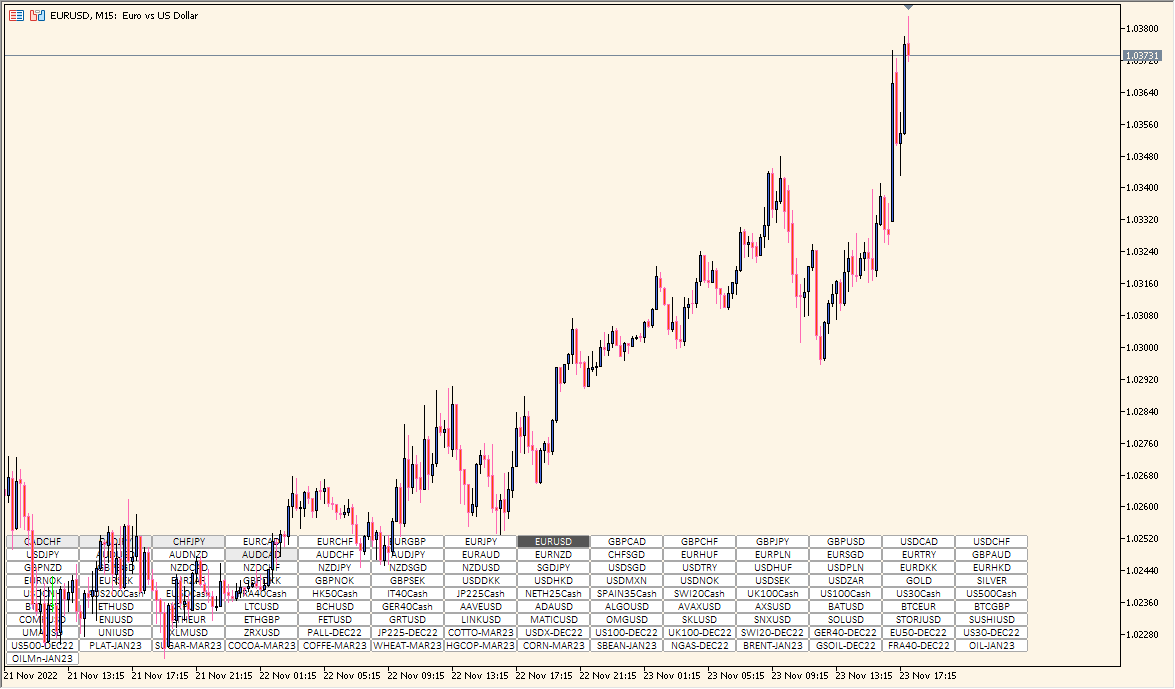
Overview of the SetSymbol Indicator
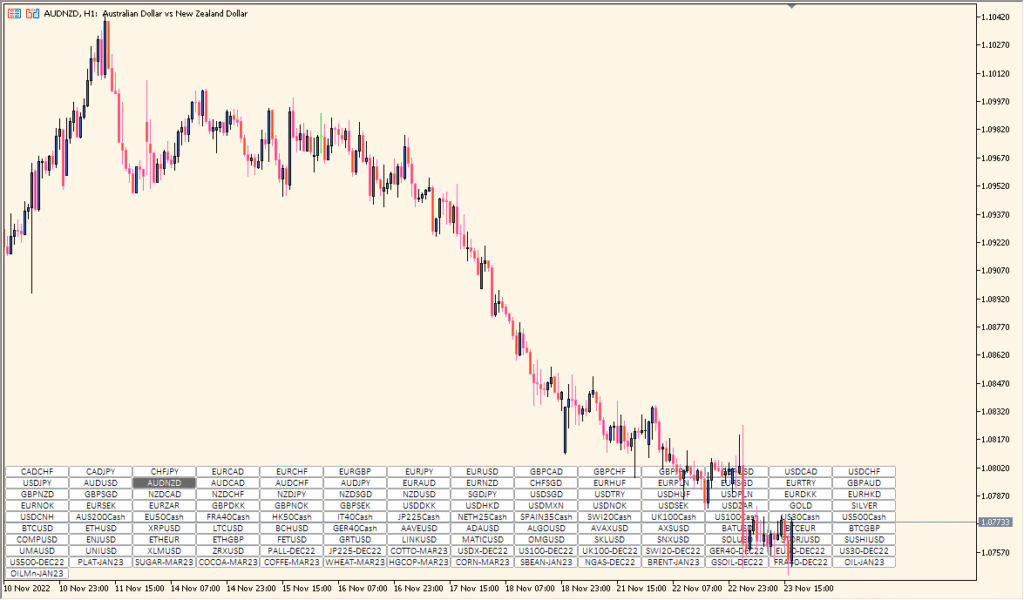
The SetSymbol indicator for MT5 allows traders to switch between multiple currency pairs directly from the chart. It displays a row of customizable buttons, each representing a trading symbol. By clicking on a button, the chart instantly changes to the selected symbol, making navigation between markets fast and efficient.
This tool is useful for traders who monitor many pairs simultaneously and want a clean, organized interface without opening multiple charts. It improves workflow and helps quickly analyze different markets using the same chart setup.
How to Use It in Practice
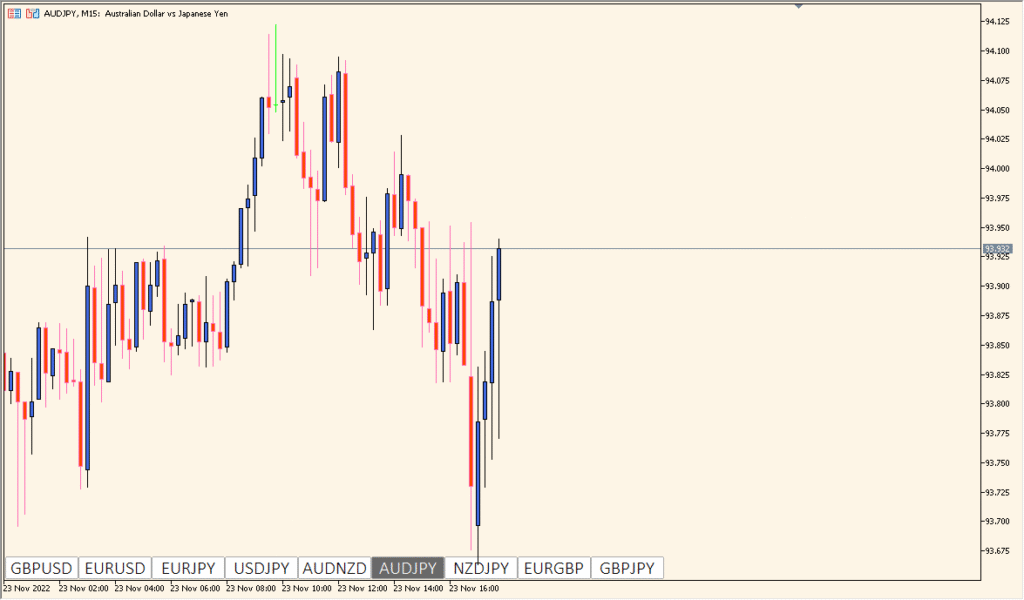
Once added to the chart, the indicator shows a row or grid of buttons at the selected chart corner. Each button corresponds to a currency pair or symbol. Clicking a button instantly switches the chart to that symbol, keeping all applied indicators and templates intact.
- Switch between multiple pairs without opening new charts.
- Customize button appearance, layout, and position.
- Organize pairs into columns or groups for faster access.
- Ideal for traders managing multiple assets within one workspace.
Parameter Explanations
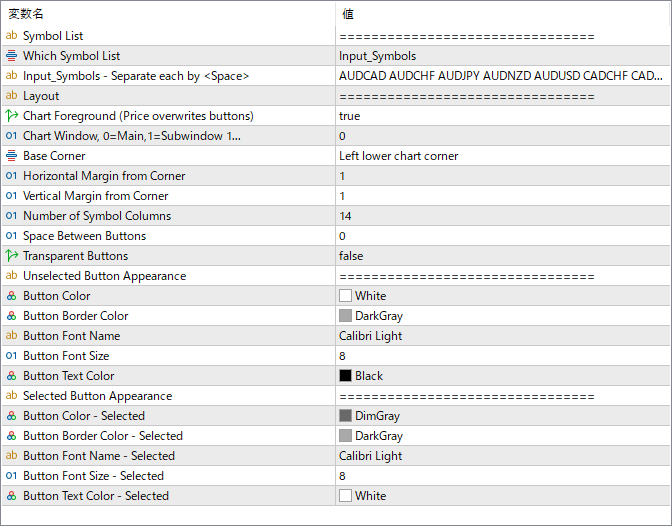
Symbol List
Defines which symbol list to use for creating the buttons.
Which Symbol List
Selects the source of the symbols — either predefined or custom input.
Input_Symbols
Specifies custom symbols separated by spaces. Used when “Which Symbol List” is set to custom.
Layout
Determines how buttons are arranged (e.g., row or grid format).
Chart Foreground
If true, displays buttons in front of the chart elements.
Chart Window
Specifies whether the buttons are placed on the main chart or in a subwindow.
Base Corner
Defines the chart corner where the button panel appears (e.g., bottom-left).
Horizontal Margin from Corner
Sets horizontal distance (in pixels) from the selected chart corner.
Vertical Margin from Corner
Sets vertical distance (in pixels) from the selected chart corner.
Number of Symbol Columns
Determines how many buttons are placed per row.
Space Between Buttons
Defines the gap between buttons in pixels.
Transparent Buttons
Enables or disables button transparency.
Button Color
Sets the background color for unselected buttons.
Button Border Color
Specifies the border color of unselected buttons.
Button Font Name
Defines the font used for button text.
Button Font Size
Specifies the font size of button labels.
Button Text Color
Sets the color of text inside unselected buttons.
Button Color – Selected
Sets the background color for the currently selected symbol.
Button Border Color – Selected
Defines the border color of the selected button.
Button Font Name – Selected
Specifies the font used when a button is selected.
Button Font Size – Selected
Sets the font size for the selected button label.
Button Text Color – Selected
Sets the text color for the active (selected) symbol button.