Overview of the Stochastic Histogram Indicator

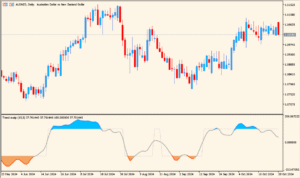
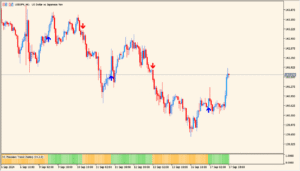
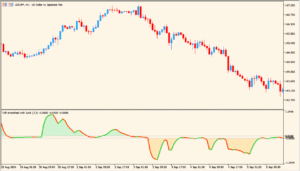
The Stochastic Histogram indicator displays the Stochastic Oscillator in a histogram format, making it easier to visualize shifts in momentum and identify overbought or oversold conditions. Instead of the traditional two-line oscillator, this version uses bars and colors to highlight momentum changes, which helps traders quickly spot market reversals or continuation signals.
By using histogram bars, the indicator provides a clearer view of acceleration and deceleration in price moves compared to the standard Stochastic representation.
How to Use It in Practice

In trading, the Stochastic Histogram can be applied to:
- Identify overbought zones when histogram bars rise above the defined high level.
- Spot oversold zones when bars fall below the defined low level.
- Use color changes in the histogram to detect momentum shifts early.
- Combine with trend indicators to filter false signals and improve accuracy.
This makes it a practical tool for traders who prefer visual cues for momentum and reversals.
Parameter Explanations

KPeriod
Sets the number of bars used to calculate the %K line of the Stochastic, which defines the sensitivity of the indicator.
DPeriod
Defines the smoothing period for the %D line, acting as a signal line for the Stochastic calculation.
Slowing
Applies an additional smoothing factor to reduce noise and make the oscillator less volatile.
MA_Method
Specifies the moving average type (e.g., Simple, Exponential) used in the smoothing of %K and %D values.
Price_field
Determines which price data (such as Low/High) is used for the Stochastic calculation.
HighLevel
Sets the threshold for identifying overbought conditions. Values above this level may signal a potential reversal.
LowLevel
Sets the threshold for identifying oversold conditions. Values below this level may indicate a potential bounce.
Shift
Moves the histogram forward or backward on the chart for visual alignment or testing purposes.