Overview of the WRB-Hidden-Gap Indicator
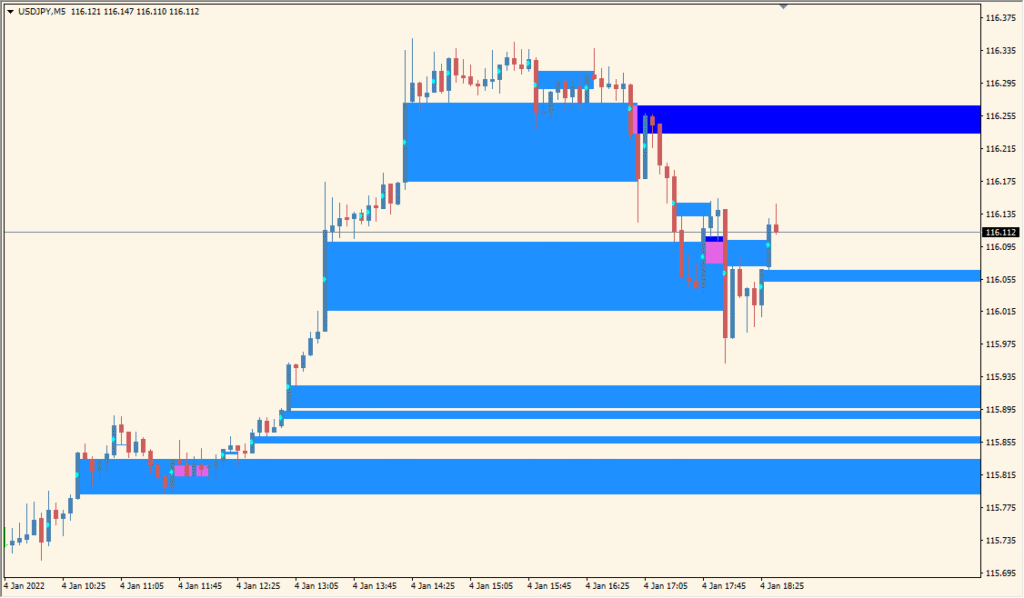
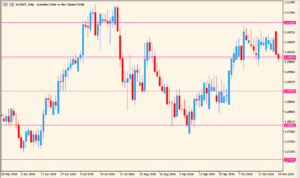
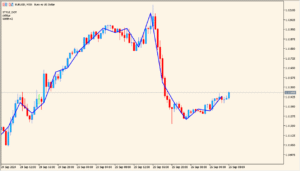
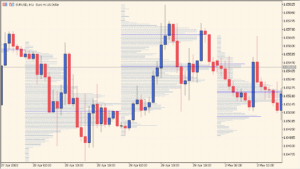
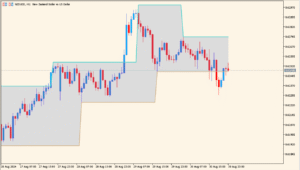
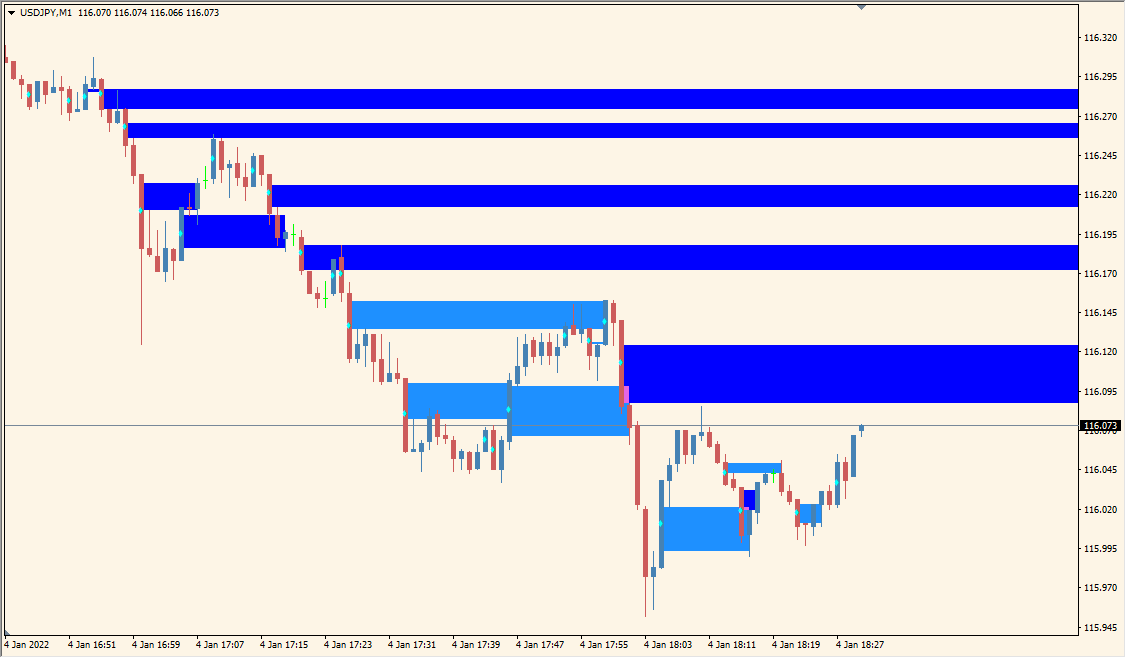
The WRB-Hidden-Gap indicator identifies Wide Range Bars (WRBs) and highlights hidden gaps within them. These hidden gaps often act as strong support or resistance zones that are not immediately visible on the chart. The indicator automatically marks these zones with colored rectangles, helping traders recognize areas of institutional activity or significant price imbalance.
This tool is useful for price action traders who rely on market structure and volume imbalances to make decisions. It simplifies the process of detecting hidden gaps that can later serve as potential reversal or continuation zones.
How to Use It in Practice
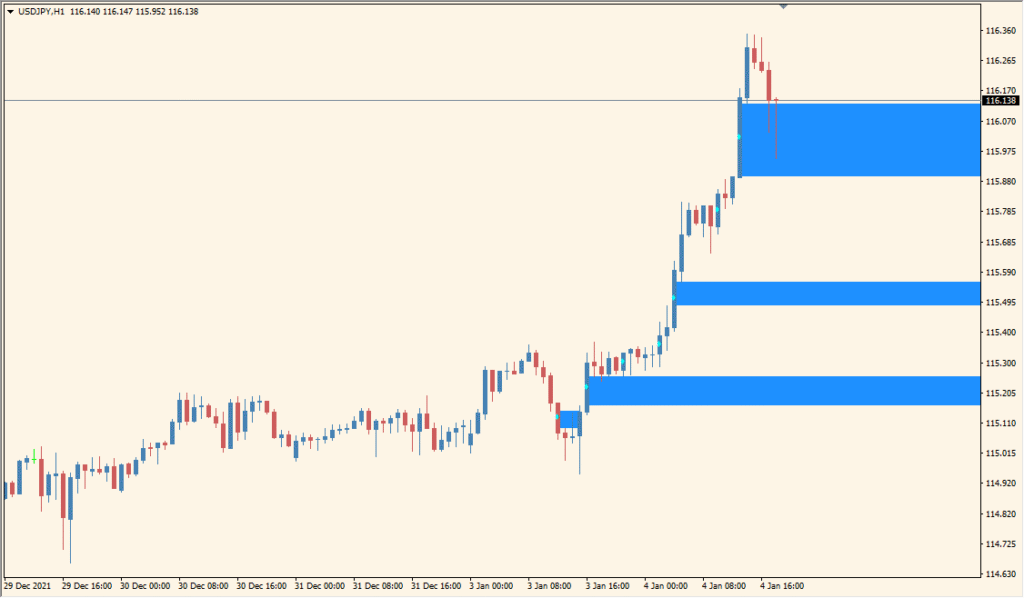
In practical trading, WRB-Hidden-Gap can be used to:
- Identify hidden gaps created by wide-range bars during strong market moves.
- Mark potential support and resistance zones for future entries or exits.
- Combine with volume or price action signals for confirmation of institutional zones.
- Use the highlighted areas to set stop-loss or take-profit targets based on market structure.
These hidden gap zones often attract price reactions when revisited, making the indicator effective for both trend-following and counter-trend strategies.
Parameter Explanations
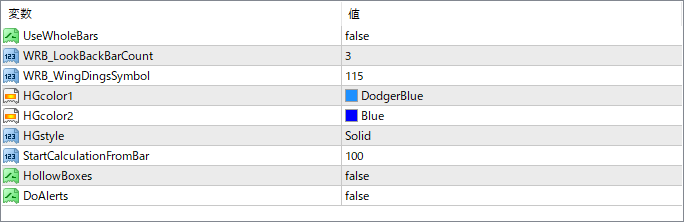
UseWholeBars
Determines whether to calculate gaps based on the entire bar range or just the candle body. Setting it to false uses the body only, focusing on true hidden gaps.
WRB_LookBackBarCount
Specifies how many previous bars are used to confirm a Wide Range Bar. Lower values make it more sensitive, detecting more WRBs.
WRB_WingDingsSymbol
Sets the Wingdings symbol used for marking WRBs on the chart. It controls the visual style of the marker.
HGcolor1
Defines the first color used for highlighting hidden gap zones on the chart.
HGcolor2
Defines the secondary color for the hidden gap zones, allowing gradient or alternate shading.
HGstyle
Sets the style of the rectangle (e.g., solid or hollow) used to display the hidden gap area.
StartCalculationFromBar
Defines the bar index from which the calculation begins. Increasing this can limit calculations to recent history for performance optimization.
HollowBoxes
When enabled, the indicator draws hollow boxes instead of filled rectangles to show hidden gaps more transparently.
DoAlerts
Enables or disables on-screen or sound alerts when a new hidden gap is detected.